Selecting Body Parts
Before you begin posing figures, you need to know how to select the body part Actor(s) you wish to move in order to create your still or animated pose. You can select body parts using the Editing tools, the Current Actor pull-down menu, or by clicking the desired part in the Document window. Each of a figure’s body parts is a poseable element.
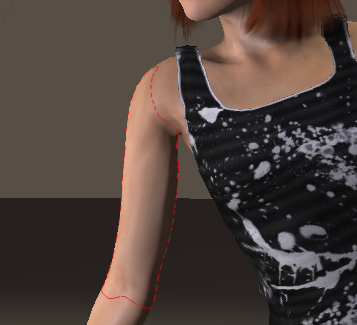
The selected body part is outlined when selected.
The Select tool in the Editing Tools palette allows you to select a body part without affecting the current pose. See Select.
If you right-click (Windows) within the Document window, a pop-up context menu brings up a menu listing all the body parts positioned under your mouse cursor. You can select your desired body part directly from this list, without having to interrupt your workflow or change your camera view. This process also makes it easier to select a specific actor in areas where many objects overlap.