Cameras
This Library palette category houses cameras (*.CM2), which includes all Poser cameras, their positions, and other attributes.
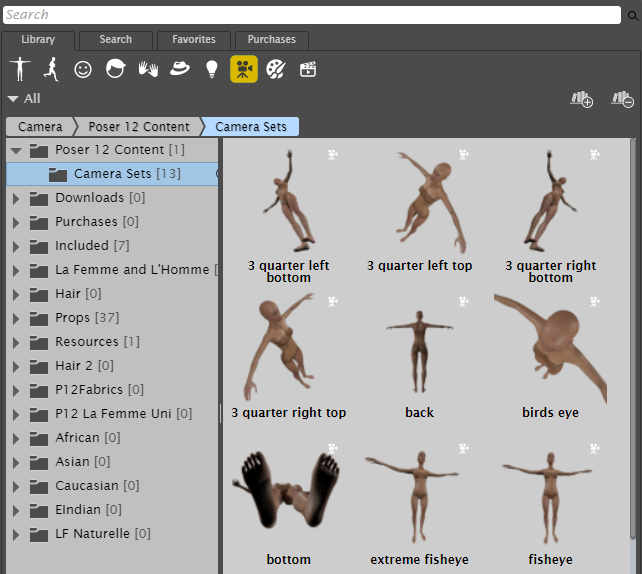
The Camera category stores different settings to position cameras in your scene.
Selecting Display> Camera View allows you to select one of the cameras available in your scene.
Selecting Display> Show Camera Names displays the name of the currently selected camera in the top left corner of the Document ’s scene preview area. Clicking this option again disables this feature.
The sections that follow describe how to use Poser's cameras.
Changing Cameras within a Pane