Pose, Simulate, Create: Poser Cloth Meets Python

Nov 13, 2026 at 09:00 am by Kalypso


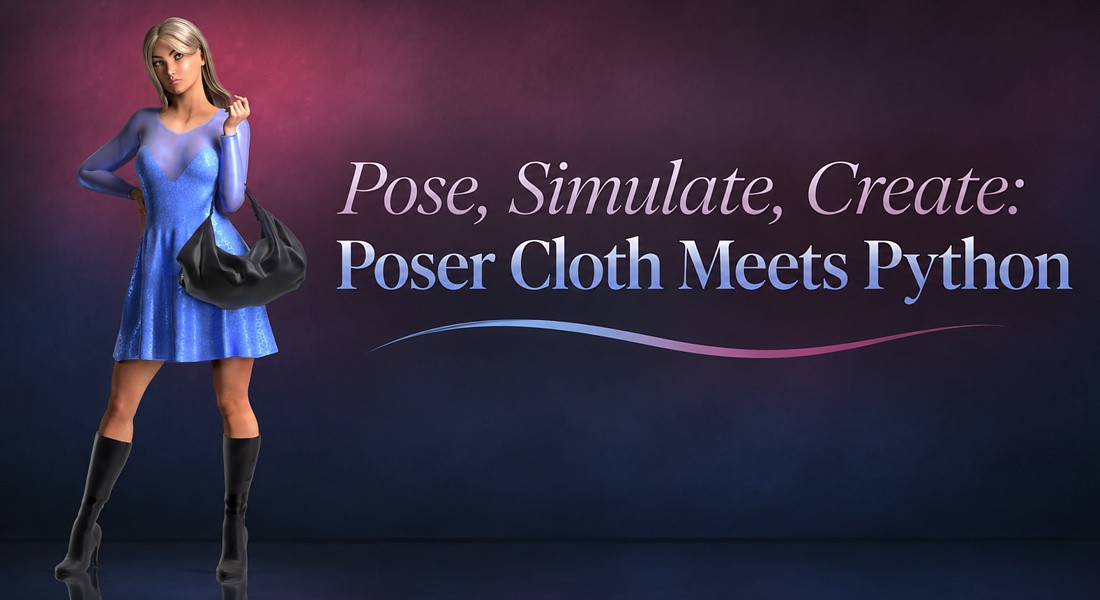
Try Poser 14’s new cloth features with a free dynamic dress by jroulin.  It’s a great starting point for modelers who want to explore dynamic clothing and beginners who are ready to try a cloth simulation.

Before you begin: Make sure you have the current version of Poser 14 installed which can be downloaded here.

Follow the installation instructions that come with the dress and you're ready to begin!
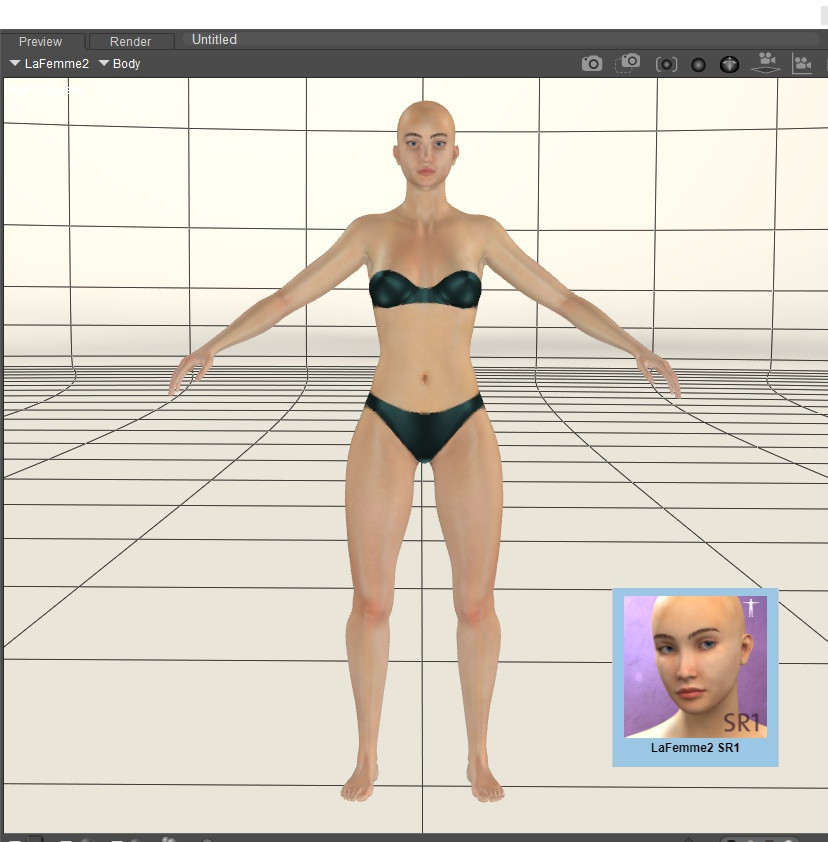


1. Load La Femme 2 into your scene.
 
 
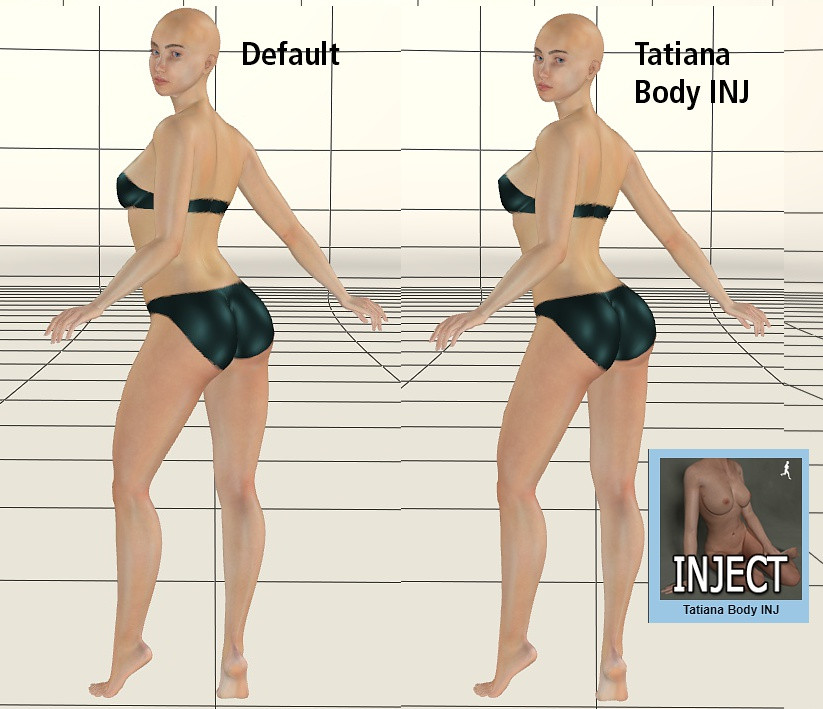
2. Apply a pose to your figure. At this point you can also dial in body morphs or apply any Injection poses.
 
 
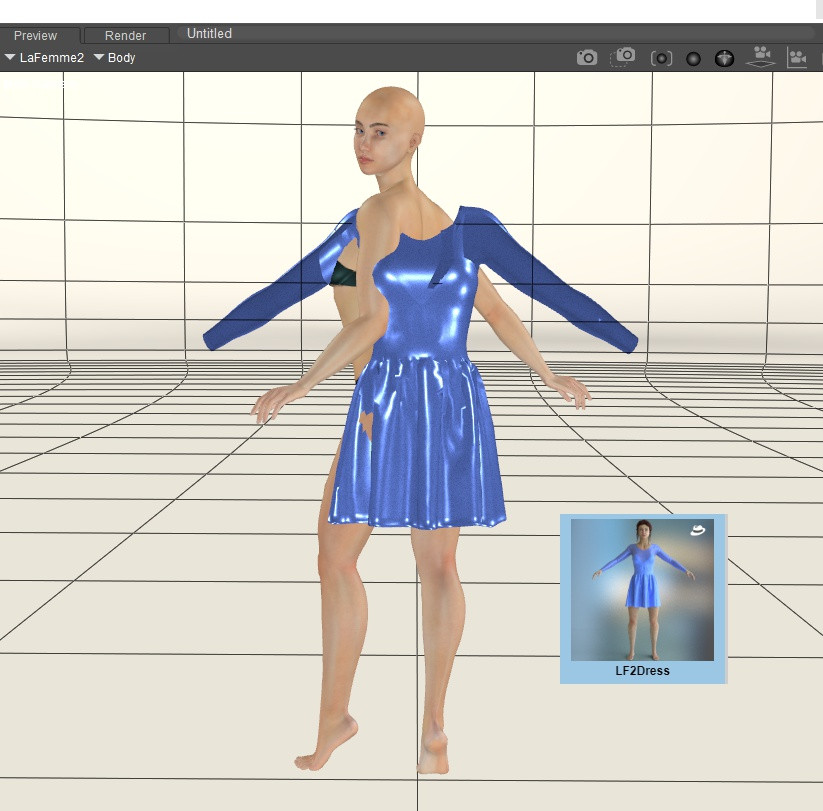
3. Load the LF2Dress by simply double clicking on it or drag n' drop into the scene.
 
 
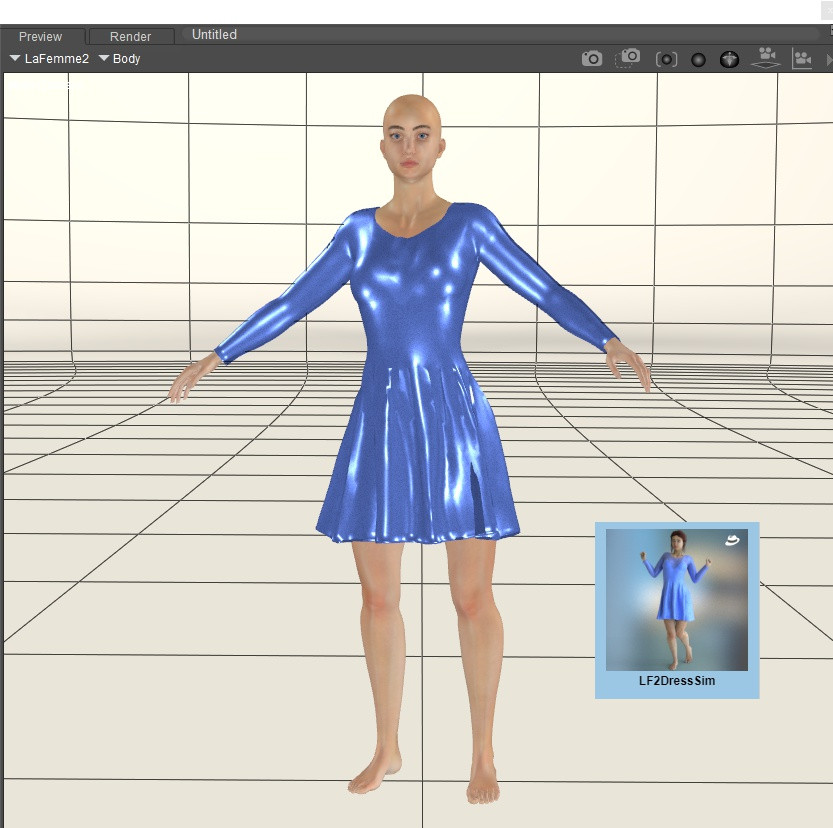
4. Open the Sim folder and select the included LF2DressSim to run the simulation.  At first it may seem as if nothing is happening and your figure will be at zero pose but you will soon see the figure slowly posing with the dress simulating with it. The script will add any necessary frames to your simulation. There is no need for you to do anything. 
 
 
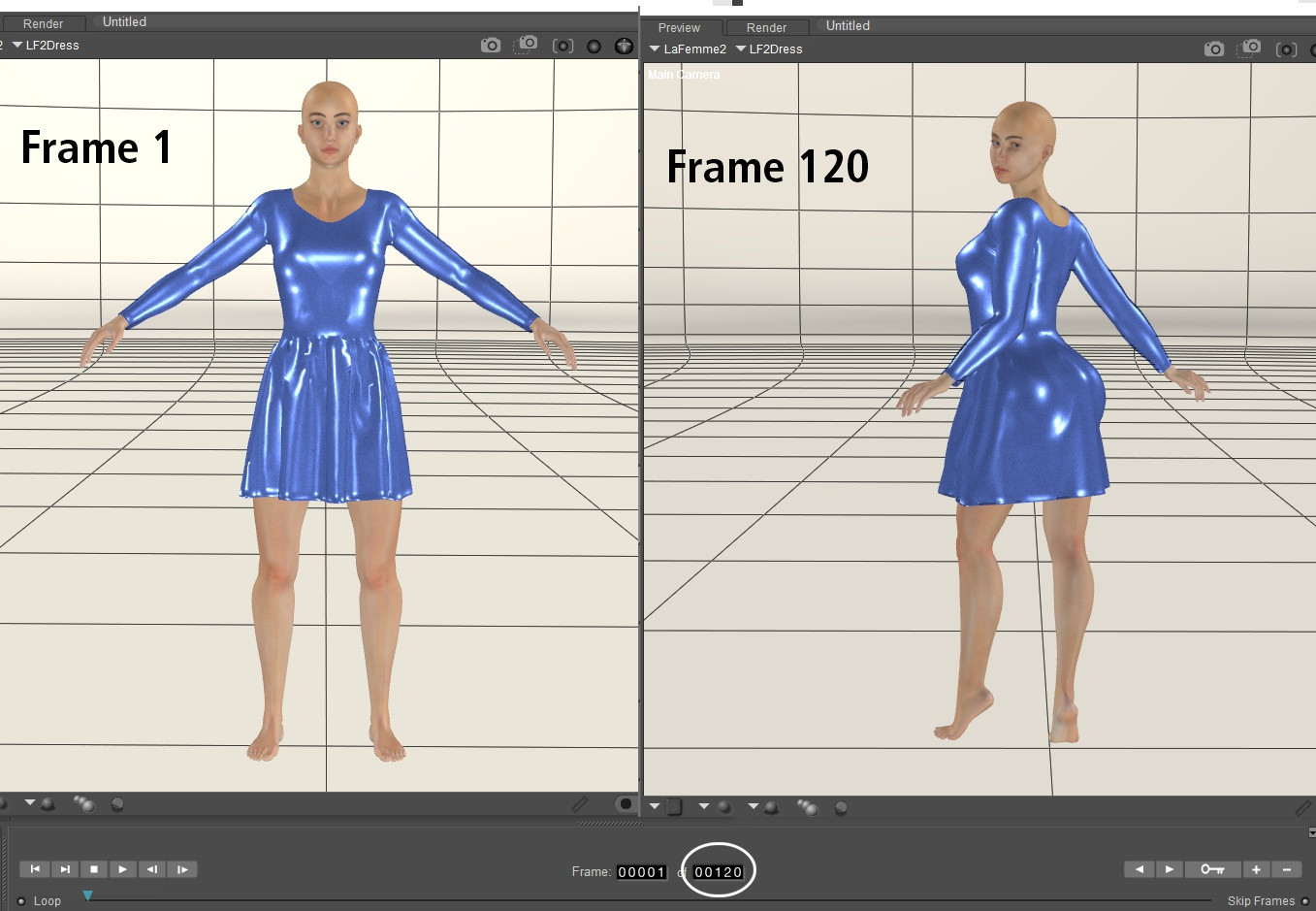
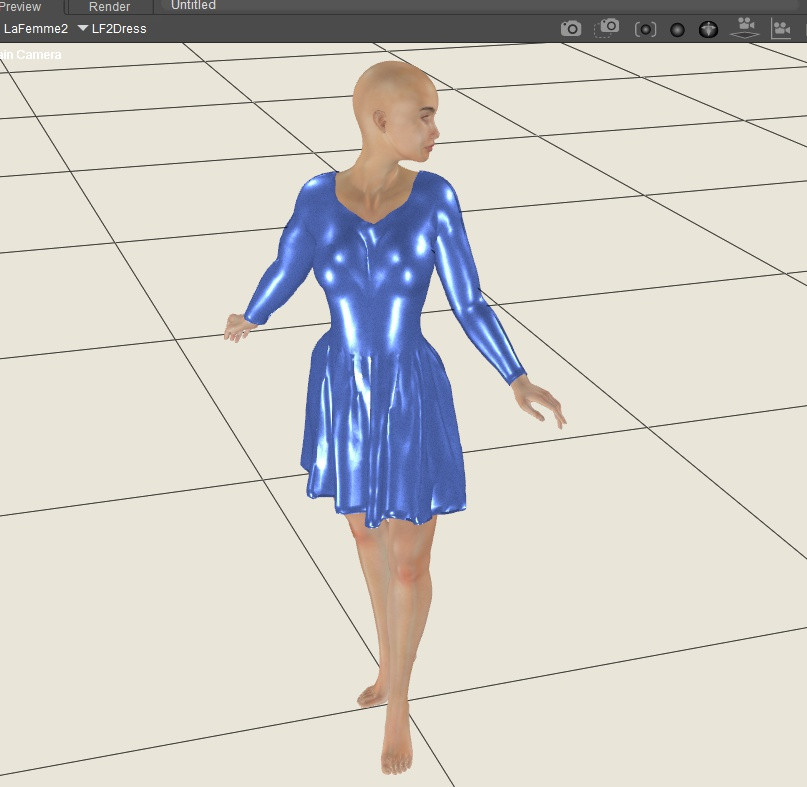
5. Once the simulation is finished you will see your figure in the zero position that you started from before posing and your animation palette will show 120 frames.  Slide to that last frame and you'll see the dress has draped and simulated on your figure easily and quickly! 
 
 
6. With the simulation complete, take a look at how the dress drapes around your posed figure, rotating your camera.  If you notice any small poke-through the Morphing Tool can easily touch that up but as long as the pose is not extreme that will not be an issue.
Want to discover how a dynamic dress comes to life? Follow jroulin’s tutorial to learn more about how the dress was modeled and set up for optimization with Poser 14's Cloth Simulation and the latest Poser 14 enhancements that enable scripting to fully control simulations.  


The Poser 14 software can be downloaded at: https://www.posersoftware.com/downloads.  A 21-day free trial is available.
Owners of a Poser 11, 12 or 13 license can purchase an upgrade to Poser 14 here: https://www.posersoftware.com/store/products/974.
First time buyers can purchase a full Poser 14 license here: https://www.posersoftware.com/store/products/973.


The Poser 13 software can be downloaded at: https://www.posersoftware.com/downloads.

Owners of a Poser 11 or 12 license can purchase an upgrade to Poser 13 here: https://www.posersoftware.com/store/products/293.
First time buyers can purchase a full Poser 13 license here: https://www.posersoftware.com/store/products/292.


 
Sections: News Tutorials