.png)
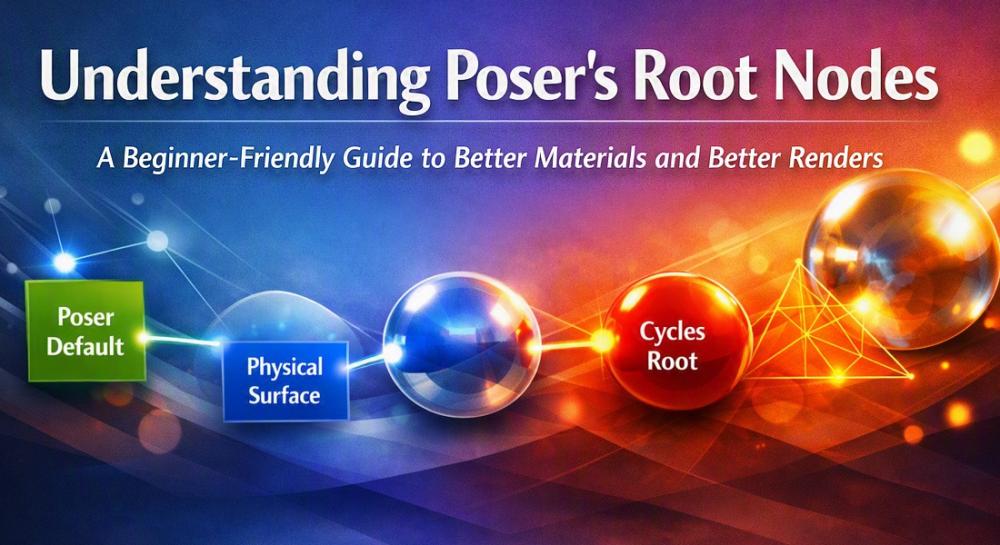
If you’re new to Poser’s material system, the different “root nodes” can feel confusing. Each one controls how your material behaves in the render engine, and choosing the right root node can make the difference between a flat, outdated look and a modern, physically‑based result.
This guide breaks down the three main root nodes
Poser Default (FireFly legacy)
Physical Surface (modern FireFly + SuperFly bridge)
Cycles Root (SuperFly only)
Poser Default: The Legacy Option
The Poser Default root node is the original material system used in FireFly, and it still has a place in today’s workflow, especially for artists who value backward compatibility and simplicity. It's easy to use, the setup is straightforward, and it remains fully compatible with older Poser content created in the Poser 6–10 era. For toon, NPR, or other stylized looks, the Poser Default node can be a comfortable and efficient choice, making it ideal for quick previews or lightweight projects where realism isn’t the priority.
However, its age shows when you compare it to more modern shading options. The Poser Default node relies on outdated lighting models, producing fake specular highlights, weak reflections, and limited subsurface scattering. It also struggles with today’s PBR texture sets, which expect physically‑based behavior that the legacy system simply wasn’t designed for. Because of this, it’s not the best fit for realism or modern rendering pipelines. Still, if you’re maintaining older content or experimenting with stylized art, the Poser Default node remains a dependable and uncomplicated tool that gets the job done without fuss.
handles real reflections and refractions and does not need to fake them with, the now obsolete, reflection maps. It also produces accurate metals, plastics, and glass and even supports true subsurface scattering for skin.
What is more, it works naturally with PBR texture sets (Base Color, Roughness, Metallic, Normal, etc.) which are an industry standard and are readily available in high resolution quality. Because of this, most artists today aim for SuperFly‑ready materials, even if they still preview or occasionally render in FireFly.
And this is where the Physical Surface root node shines because it can act as a bridge between FireFly and SuperFly. It is Poser’s attempt to bring physically‑based shading into FireFly while staying compatible with SuperFly. It isn’t as advanced as Cycles, but it’s far more realistic than the old Poser Default node because it supports fresnel reflections, better transparency, and improved highlights.
The results include better skin and organic materials and significantly more natural subsurface scattering than legacy FireFly SSS. Its main advantage is that it works well with modern PBR texture sets and you can plug in Base Color, Roughness, Metallic, Normal, and Displacement maps with predictable results.
Of course it's not as realistic as the Cycles Root node and when used with FireFly it imitates PBR but FireFly's architecture limits true physical accuracy. It continues, though, to be the best solution when creating materials that work in both FireFly and SuperFly and is ideal for updating older content to modern standards.
Cycles Root: The Most Realistic Option (SuperFly Only)
The Cycles Root node represents Poser’s most advanced shading system and unlocks the full power of the SuperFly renderer. Unlike FireFly’s older methods, Cycles uses true ray tracing and physically‑based BSDFs, allowing materials to behave the way real surfaces do. Roughness, metallic, normal, and displacement maps respond accurately, utilizing modern PBR texture sets. Cycles also excels at subsurface scattering, giving skin, wax, marble, and other organic materials a lifelike softness and depth. In addition, its procedural textures are capable of producing highly realistic, richly detailed materials with beautiful reflections, refractions, and indirect lighting.
That level of realism does come with trade‑offs. Cycles Root works only in SuperFly, so it isn’t compatible with FireFly at all. Its node networks can be more complex, and there is a learning curve. Older FireFly‑based materials may also need significant reworking before they behave correctly in Cycles. Still, for artists aiming for photorealistic results, modern PBR workflows, or intricate materials that demand advanced shading controls, the Cycles Root node is the strongest and most future‑focused option Poser offers.
Which Root Node Should You Choose?
Choose Physical Surface if…
You want realism without abandoning FireFly
You want materials that behave well in SuperFly
You’re working with modern PBR texture sets
You want a balanced, future‑proof workflow
Choose Poser Default if…
You need simplicity
You’re working with older Poser content
You’re doing stylized or toon renders
Choose Cycles Root if…
You want maximum realism
You’re rendering exclusively in SuperFly
You’re comfortable with node‑based shading
In conclusion, if you’re starting fresh or updating older materials, Physical Surface is the best all‑around choice. because it gives you a modern shading model inside FireFly with a smoother transition into SuperFly and its compatibility with PBR textures yield more realistic results without the complexity of full Cycles node networks. And with Poser 14's Simple tab in the Material room it is easy even for beginners to set up as can be seen in our Make It Real: PBR EasyMode tutorial.